Case Study 02
Automated Invoice Generation Workflow
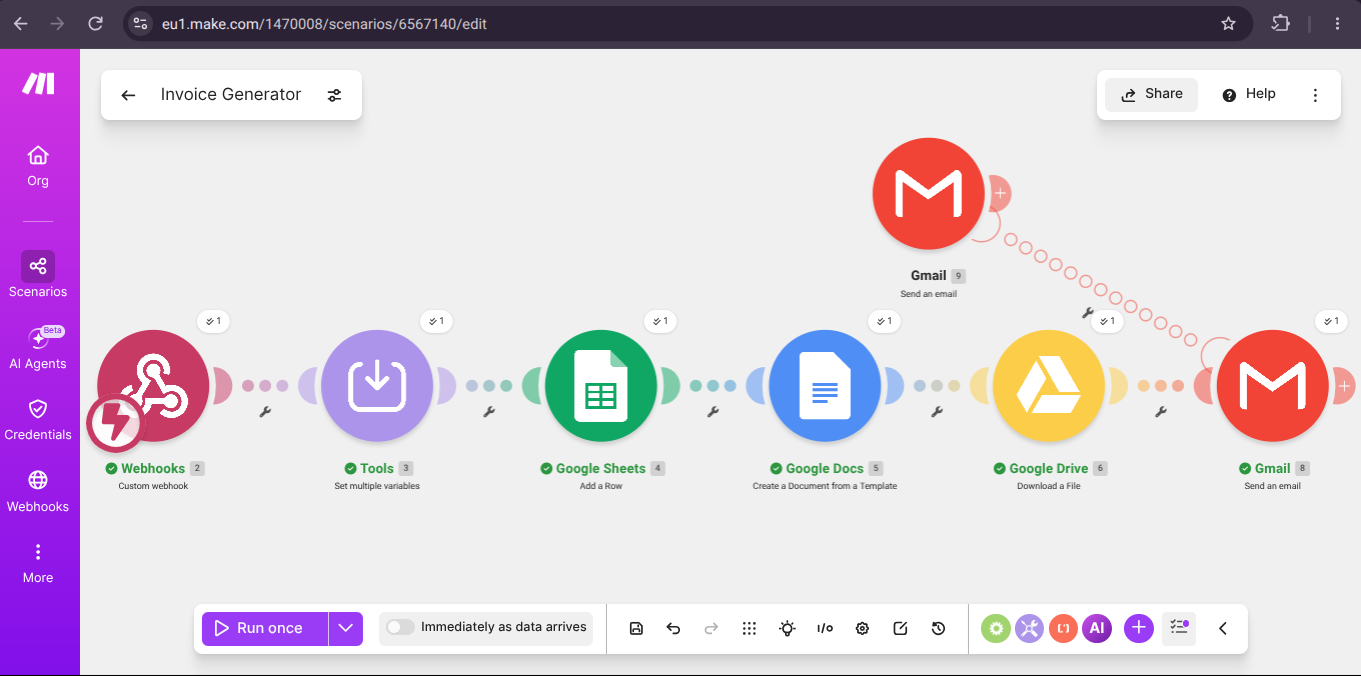
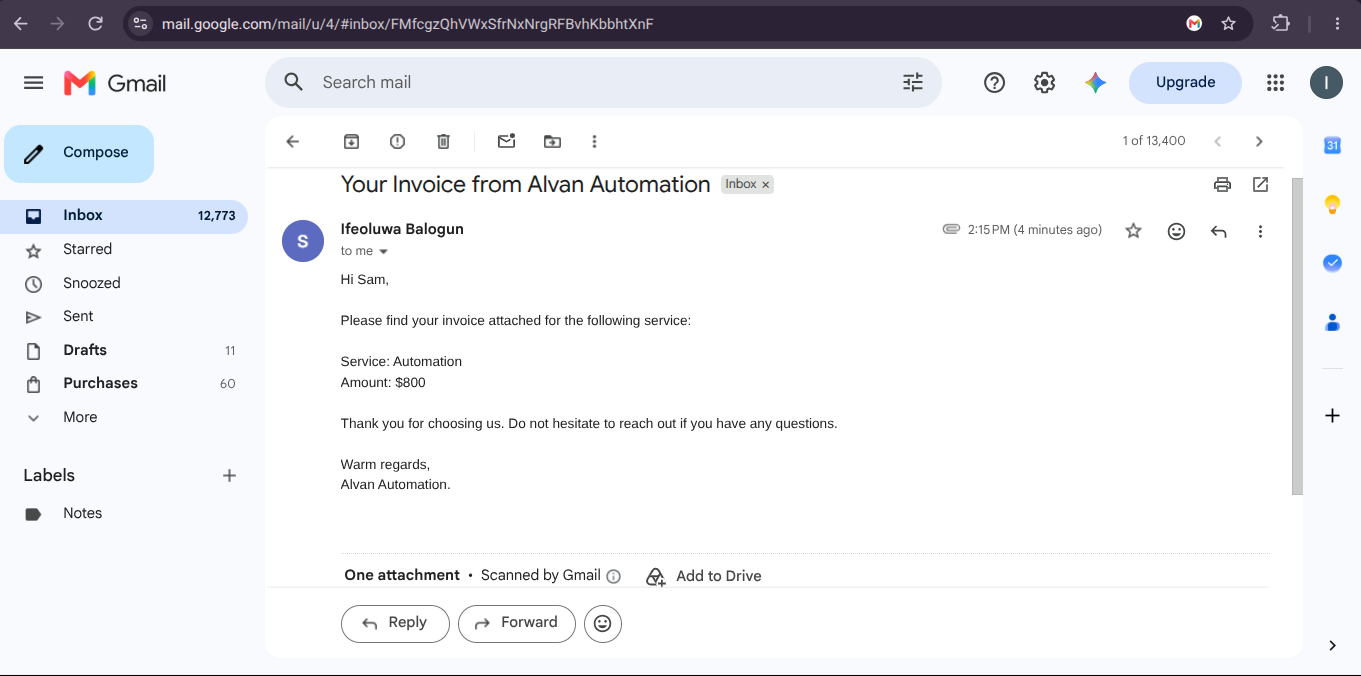
Generates professional PDF invoices from a single form submission and delivers them to the client automatically, with no manual document creation.
- Make.com
- Tally Forms
- Google Docs
- Google Drive
- Gmail
The business problem
Every invoice was built by hand: a staff member duplicated an old Google Doc, edited the client details, recalculated the amount, exported a PDF, then attached it to an email. It took roughly fifteen minutes per invoice, formatting drifted between team members, invoice numbers were occasionally reused, and there was no single place to check which invoices had actually been sent.
The solution
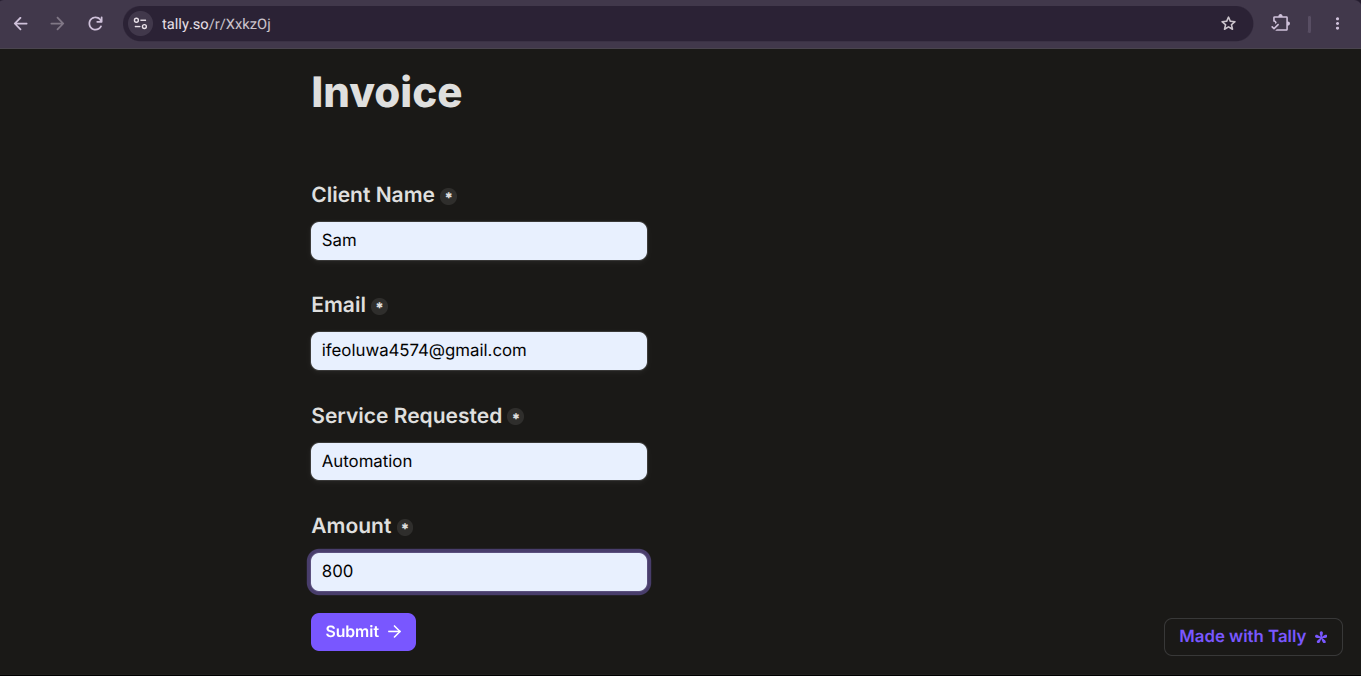
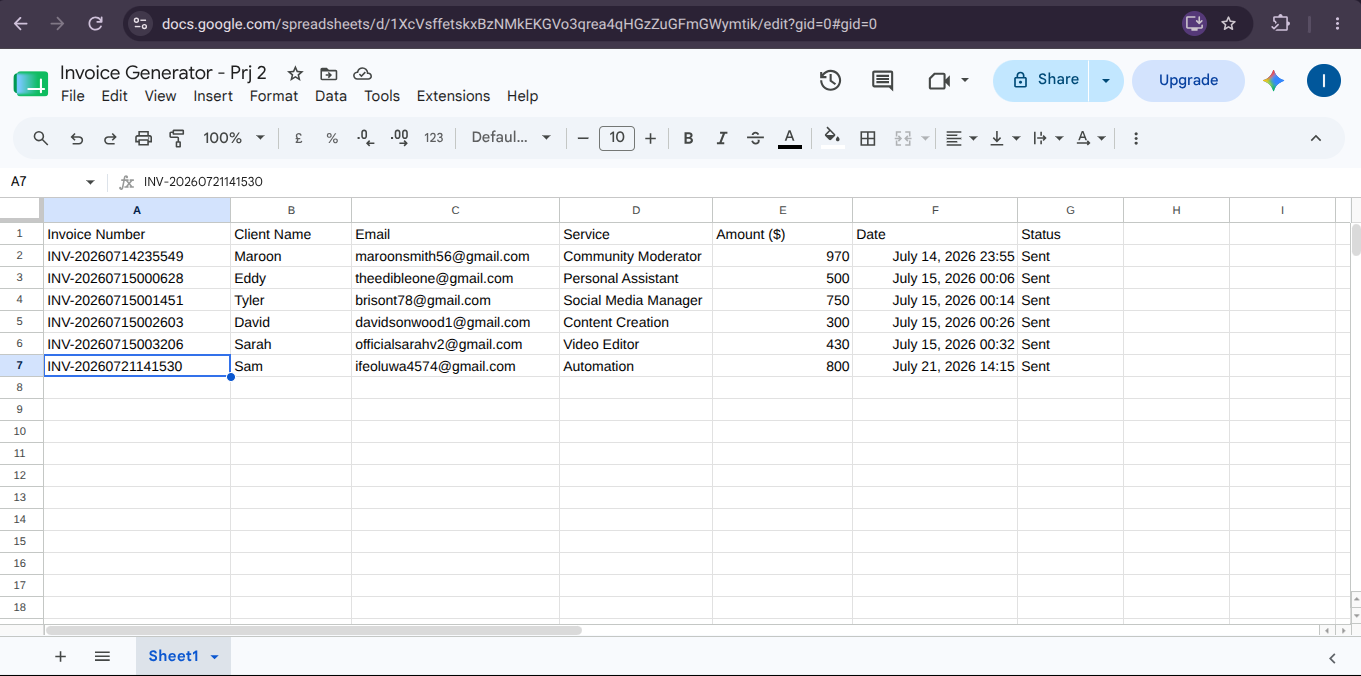
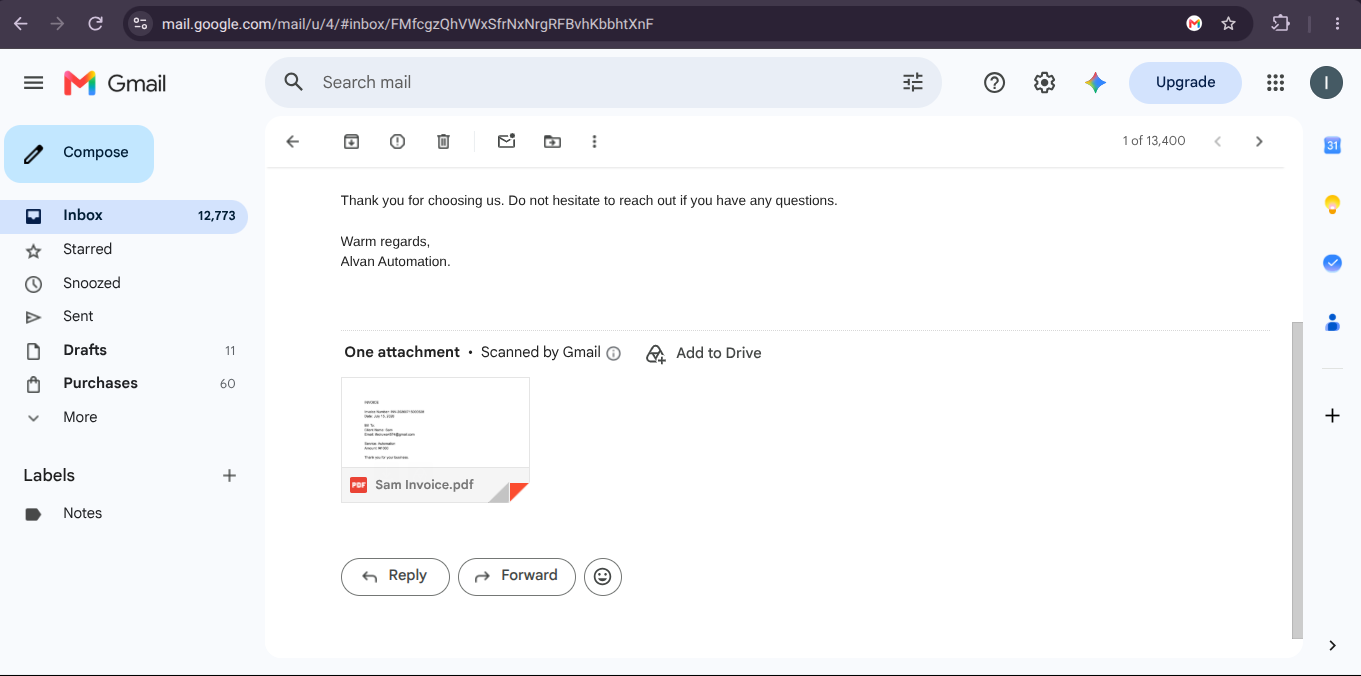
A Tally form captures the client details, service, and amount. Make.com generates the next sequential invoice number, fills a locked Google Docs template with the client data, converts the document to PDF through Google Drive, and emails it to the client with the PDF attached and a short covering message. Each invoice is logged to a Google Sheet with its number, client, amount, and sent status, giving the business a running record it can reconcile against payments. Turnaround dropped from about fifteen minutes to a few seconds, and every invoice now looks identical.
Walkthroughs for this build
Want a system like this in your business?
Every build starts with a short conversation about where the manual work actually lives.
Book a Discovery Call